Pay as you go
One scene?
Start with piments.
Top up your wallet once. Use piments when you want. No subscription required.
Create from 519 piments ↗18+ · From contact sheet to clip
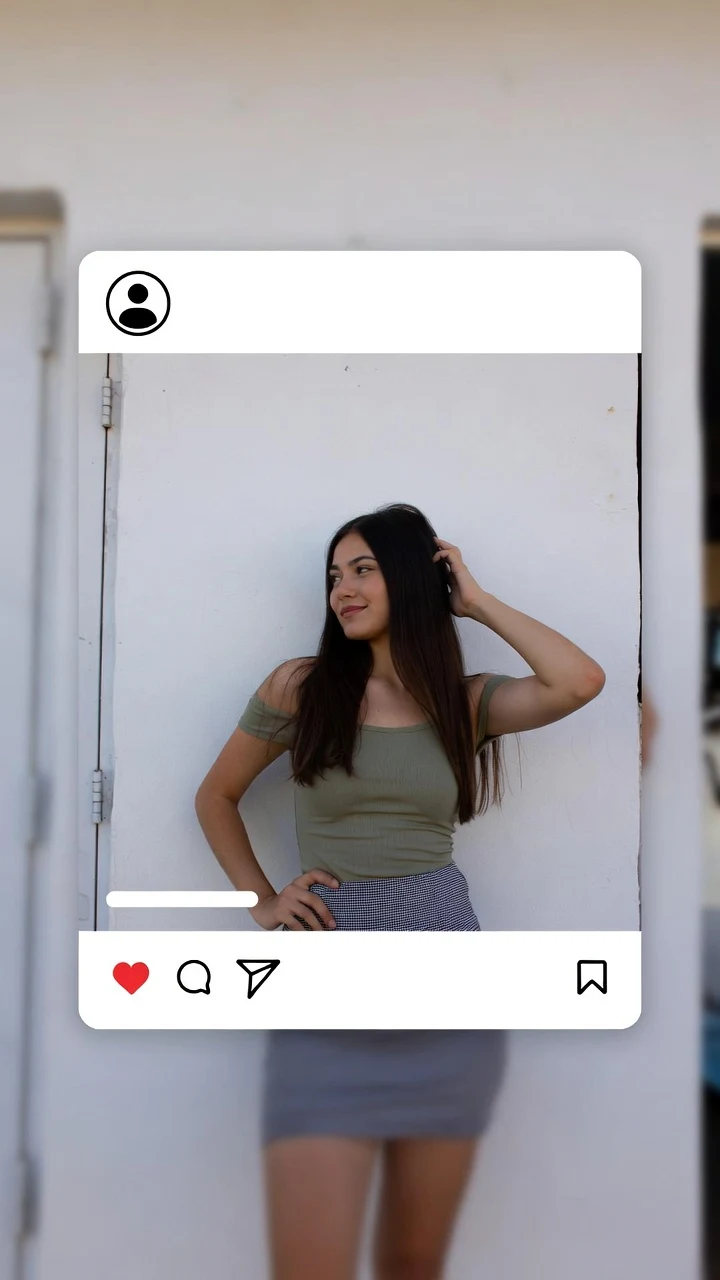
You booked the studio, the light, the stylist — and came home with stills. A glamour photoshoot AI video gives those frames what a still never can: the breath between poses, a slow turn under the beauty dish, satin shifting, a look that lands. Aurum renders each frame as a vertical clip of 5, 10 or 30 seconds with native sound, up to Ultra High 1080p. 18+, never explicit.
Select one or more models for a duo or group video. Describe who appears in your prompt.
Type @ to mention an image in your scene.
Choose an idea to add it. Your existing text is kept.
If generation fails, you get refunded.
One payment, no subscription required. Piments are deducted once and your balance is saved to your account. Guest videos are never added to a library; previously saved files can be deleted in Settings.
Generated with Seedance 2.5 by ByteDance: strong face, outfit and style consistency with your reference photos.
Upload your references, describe the scene and choose your length. Your clip appears right here.
Your videos will appear here after checkout or generation. Keep creating while they render.
Signed-in orders are available across devices. Guest orders need this browser’s session. Rendering time varies; no fixed countdown is promised.
A shoot hands you dozens of options. These are the ones that animate cleanly:
A photoshoot usually has two rights holders: the person in front of the lens and the photographer behind it. Before each render you confirm that you are allowed to use the images and that every identifiable person is an adult who agreed to the AI transformation. If you were the model, check your agreement with the photographer; if you shot someone else, their explicit consent comes first.
That confirmation is recorded with the order. Images of celebrities, or of anyone under 18, are refused however they were obtained.
Treat it as a second shoot, this time in motion. Everything happens in the studio on the home page.
Pick the strongest still for each outfit or set-up. Add a second reference only when it has a job — the back of the dress, the room — and call it @Image 2.
The still is the opening pose; the prompt says what comes next. A turn into the key light, a strap adjusted, hair lifted by the fan, a step toward the lens.
Repeat the lighting in words — “single beauty dish from the left, black seamless backdrop” — so the motion matches the still instead of relighting it.
Run five seconds at 480p to check the face and hands, then render your selects at 1080p.
Written for a studio still. Load one and adjust the wardrobe line to match your frame.
@Image 1 stands against a black seamless backdrop in a gold satin slip dress as a studio fan lifts the hair and ripples the fabric, then turns the face slowly into the key light and holds the camera’s gaze. Single beauty dish, locked frame, the low hum of the fan.
@Image 1 in black lace and long satin gloves poses on a stool, shifts weight with a slow roll of the shoulders as studio strobes fire, and lands on a direct, daring look into the lens. Static camera, strobe pops, a shutter clicking.
@Image 1 in a black corset top and high-waisted trousers moves slowly from a profile pose to face the camera, runs one hand along the collarbone and tilts the head back, eyes half-closed, then opens them on the lens. Hard key light, slow orbit, quiet studio room tone.
@Image 1 in a black silk robe sits at a mirror ringed with warm bulbs, fastens a gold necklace at the nape, then looks up into the mirror and into the camera with a slow, private smile. Static shot over the shoulder, a hair dryer whirring somewhere behind.
@Image 1 in an oversized white shirt over black satin walks from the edge of the set onto the seamless, settles into the pose from the still, glances down, then slowly up to the camera as the strobes fire one last time. Smooth tracking shot that ends locked, studio chatter fading to silence.
Thirty seconds: the walk onto set, the pose, the final look.
Honest expectations before you spend on Ultra High.
| The still | The AI clip | |
|---|---|---|
| Face | Exactly as shot | Close to the still; an exact likeness is never guaranteed |
| Wardrobe | Every seam as styled | Kept in spirit; fine details can shift as the fabric moves |
| Light | Frozen at one instant | Moves with the pose, especially when the prompt describes it |
| Sound | None | Native ambience: strobes, a fan, studio murmur |
| Format | Whatever the camera shot | Vertical 9:16, from 480p to 1080p |
Each clip is priced on its own by length and quality and shown before you pay by card as a guest or with piments (100 piments = $1).
| Length | Medium · 480p | High · 720p | Ultra High · 1080p |
|---|---|---|---|
| 5 seconds | $5.19 | $6.49 | $15.59 |
| 10 seconds | $6.49 | $11.69 | $31.19 |
| 30 seconds | $15.59 | $32.49 | $92.29 |
If your agreement with the photographer allows it, yes. You confirm your image rights before each render; when in doubt, ask the photographer first.
A light retouch exported at full size works well. Heavy smoothing and liquify effects look unnatural as soon as the face moves.
Yes, up to twelve references per render, called @Image 1, @Image 2 and so on. One clear face reference plus one for the outfit usually beats a stack of near-duplicates.
More closely when you describe it: the modifier, its side, the backdrop color. Without those words the model may relight the scene to suit the action.
Yes, when both are adults who agreed to the AI transformation. Keep both faces large and give them one shared action.
A good photoshoot clip is quietly provocative: the pause before the pose, a strap set right, a look that knows the shutter is open. It stays 18+ and never explicit, at every resolution. If the shoot was fashion-led, the AI fashion video generator page builds a lookbook from it; if you want a recurring face without a shoot at all, try the AI model video generator.
Updated · Terms · Privacy · Data controls
VIP access
100 piments = $1. Weekly plans keep the same video prices and give you 25% more piments.
Top up your wallet once. Use piments when you want. No subscription required.
Create from 519 piments ↗Automatically renews every week. Cancel anytime before renewal. Unused piments stay available. Piments use the same published video prices. The 20% comparison is rounded to the nearest cent.
18+ · Adults only
You must be 18 or older to enter. Use only images you own or have permission to transform, featuring adult subjects and, for identifiable real people, their consent. Deepfakes of real people without their consent are strictly forbidden.
Privacy · Terms of use